
FuelTech Launches Vision FT Expander (dash, inputs and outputs): Your PowerFT Takes On a New Role Alongside a VisionFT ECU
Free firmware turns the FT450, FT550 or FT600 into the display, button panel and extra inputs and outputs of an FT470 or FT700 ECU. Two FuelTech products, one connected car.
You built your project piece by piece. Every module in its place, every sensor where it belongs. Now your PowerFT gets a new job.
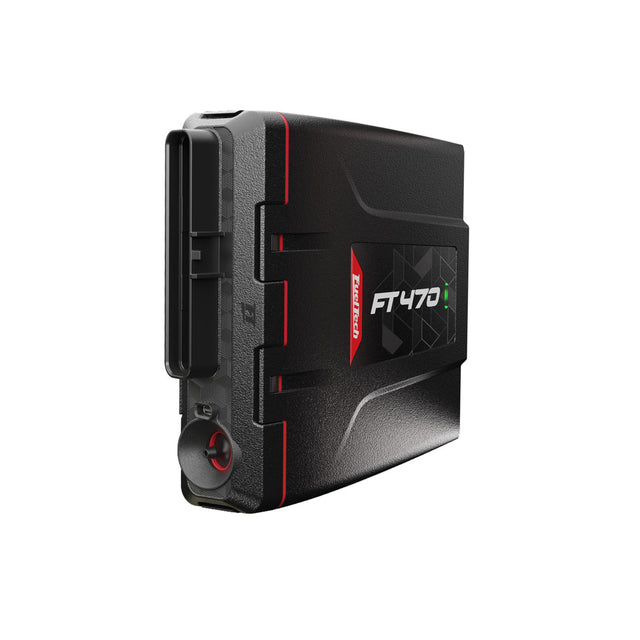
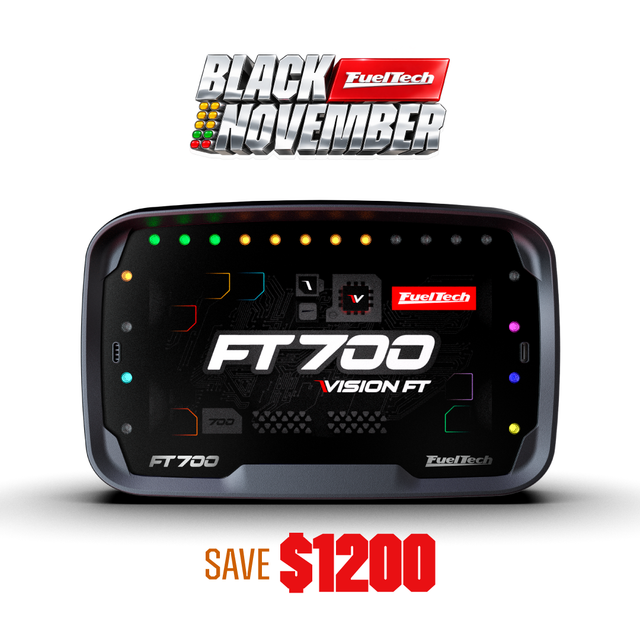
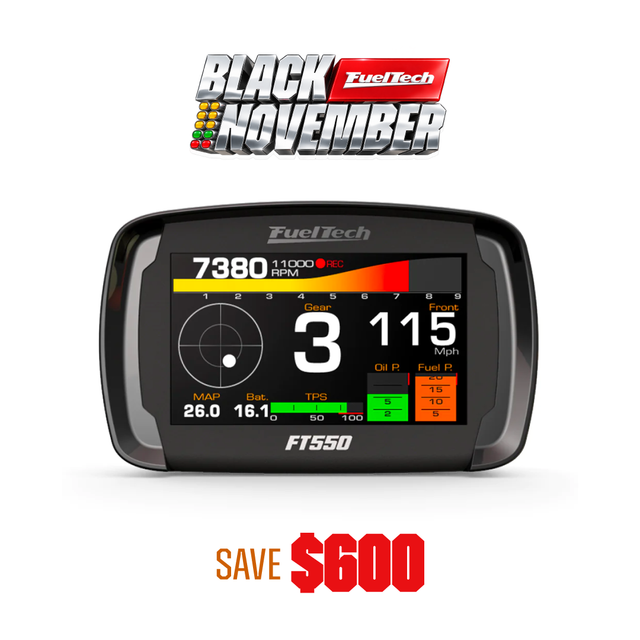
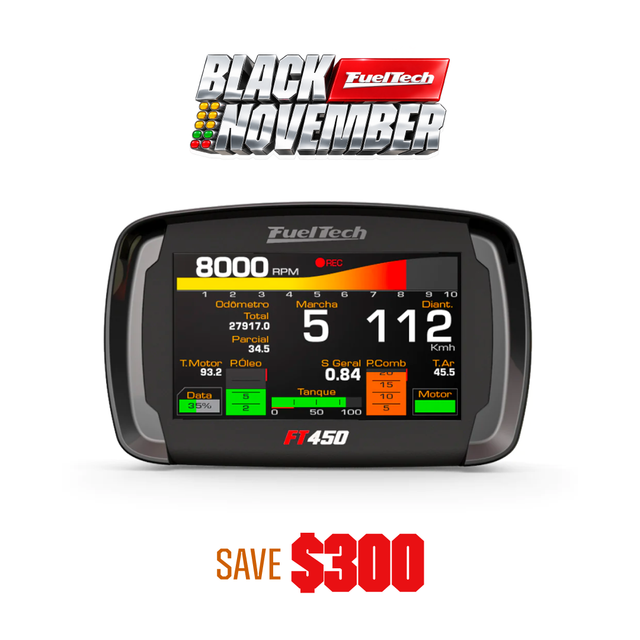
FuelTech is launching Vision FT Expander (dash, inputs and outputs), a series of special firmware for the PowerFT. It turns the FT450, FT550 or FT600 into the touchscreen display, button panel and extra inputs and outputs of a Vision FT ECU, the FT470 or the FT700. The ECU stays in charge of the engine. The PowerFT comes in as its partner.
The firmware is free. Vision FT Expander launches today, November 18, 2026, and is available now.
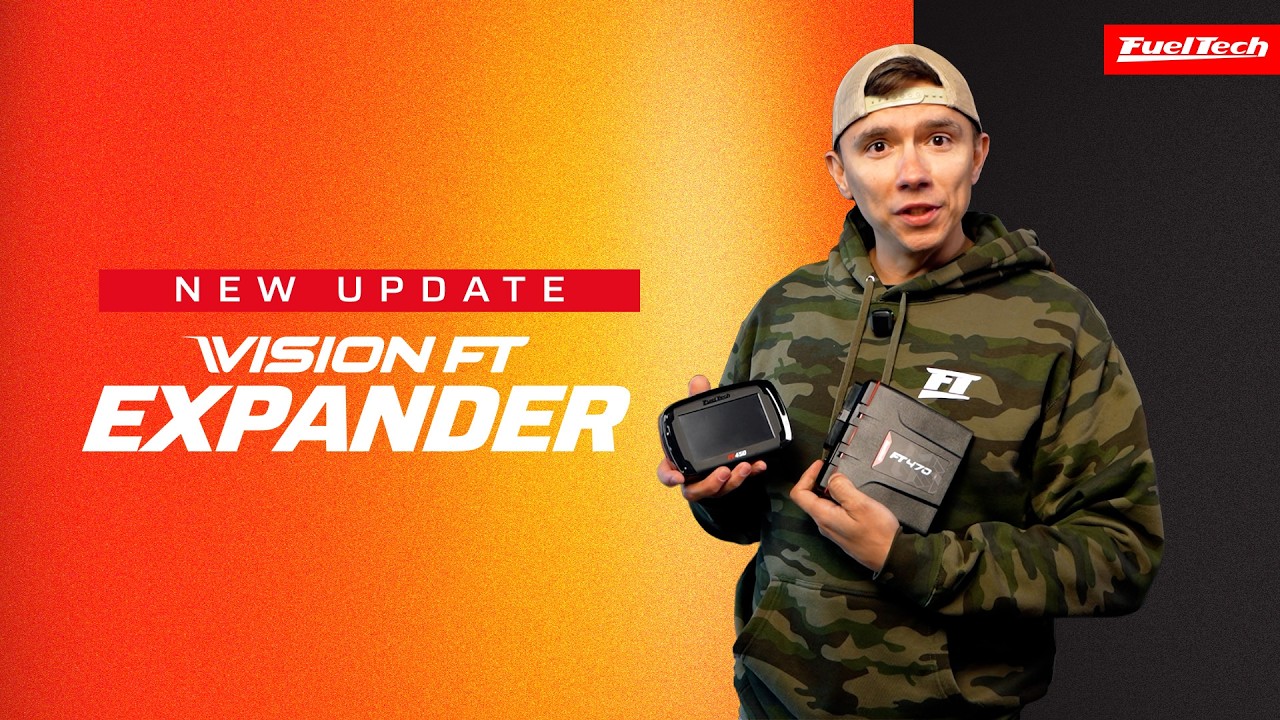
A New Role for the PowerFT You Already Own
If you run a PowerFT and use, or plan to use, a Vision FT ECU, the PowerFT stays in the car. Its touchscreen, buttons, inputs and outputs now work for the ECU.
The Vision FT Expander firmware costs nothing. With a Vision FT ECU in the car, the only extra item to buy is the CAN wiring that connects the PowerFT to the ECU. The PowerFT and the ECU talk over the CAN network, which can be the same one the ECU's other FuelTech modules already use.
ECU Data on the Screen You Already Know
The PowerFT display shows live data from the ECU: RPM, throttle position (TPS), manifold pressure (MAP), oil, fuel and water pressure, lambda, ignition timing, injection time and duty cycle, engine, air, oil and transmission temperatures, all four wheel speeds and battery voltage.
RPM, TPS, MAP, pressures, lambda, timing and injection refresh 50 times per second. Temperatures, wheel speeds and battery voltage refresh 10 times per second. If communication with the ECU drops for more than 3 seconds, the screen shows a red warning and the gauge readings are replaced by dashes.
The dash stays as customizable as it is today: dashboard layout, favorites, day/night mode, brightness and units. Engine menus are hidden on the PowerFT, because those functions now belong to the ECU. The Vision FT Expander screen is available in English, Portuguese and Spanish.
Extra Outputs, Chosen in FuelTech Vision
The PowerFT adds its outputs to the ECU's: 32 on the FT600, 24 on the FT550 and 10 on the FT450. In FuelTech Vision, the ECU's setup software, they appear right next to the ECU's own outputs, in the same color and marked "(CAN)". You pick them the same way you pick an ECU output.
Choose a PowerFT output from the selector of any ECU function that uses an output, such as an electric fan or a generic output. Each output runs on/off or with proportional (PWM) control from 1 to 10,000 Hz, and its type, frequency and inversion come from the ECU function. FuelTech Vision prevents assigning the same function to two outputs.
Injection, ignition, electronic throttle, stepper motor and analog outputs always stay on the ECU's own outputs.
Buttons and Inputs, Now Talking to the ECU
The buttons you already touch now trigger ECU functions. Examples include Burnout, generic output 1 and day/night. Each button works as a momentary press or as a switch, depending on the function.
More inputs for your sensors: wired to the PowerFT, read by the ECU. PowerFT inputs are set up in FTManager just like today and sent to the ECU over the CAN network. If a sensor on the PowerFT disconnects, the PowerFT stops sending that reading and the ECU knows it is gone.
From track day to the drag strip, the Burnout button on the PowerFT touch panel triggers the ECU's Burnout function.
The ECU Runs the Engine
In Vision FT Expander mode, the PowerFT does not control the engine. Its local RPM and phase signals are ignored, its injection and ignition pins have no function, and RPM always comes from the ECU.
- Injection, ignition, electronic throttle, stepper motor and analog outputs always stay on the ECU's own outputs.
- If the ECU stops commanding, the PowerFT outputs return to their inactive state within 0.5 seconds.
- At power-up, every PowerFT output starts off.
- FuelTech Vision diagnostics show the live state of each PowerFT output, next to the ECU's outputs.
Getting Started
The firmware is installed with FTManager, the PowerFT's PC software, and enabled on the ECU in FuelTech Vision. Download the latest versions at fueltech.net/pages/software.
Before installing:
- Changing the firmware erases the PowerFT's map and dashboards, and FTManager warns you first. The same applies when going back to the standard firmware, done from the same Updater menu in FTManager.
- The "Outputs Enabled" option in FTManager must be checked. Without it, no PowerFT output is driven.
- The CAN network shared by the ECU and the PowerFT needs 120 ohms termination (a termination resistor).
- Each PowerFT sends up to 25 channels (inputs plus buttons), and the ECU accepts up to 40 channels in total across its FuelTech CAN modules. Buttons in use take priority over inputs.
Four steps:
- Update the ECU firmware and FuelTech Vision to version 3.12, and FTManager to version 5.73. These versions include Vision FT Expander.
- In FTManager, open the Updater (firmware update) menu for your FT450, FT550 or FT600 and choose "Vision FT Expander (dash, inputs and outputs)". Then, on the outputs screen, keep "Outputs Enabled" checked.
- In FuelTech Vision, open My ECU › Vision FT Expander (dash, inputs and outputs). Enable it, then choose the CAN port the PowerFT is connected to and the PowerFT model.
- Pick the PowerFT outputs in the output selectors of the ECU functions.
FTManager already sets the PowerFT up to talk to the ECU in its default map. Inside FuelTech Vision, the Vision FT Expander screen shows a grid of which PowerFT outputs are in use and by which function, with a button to free an output when you want to reuse it. Vision FT Expander is also listed in the FuelTech Vision accessory catalog.
Specs at a Glance
| Item | Vision FT Expander |
|---|---|
| PowerFT models | FT450, FT550, FT600 |
| Compatible ECUs | FT470, FT700 |
| Connection | CAN network |
| Outputs | FT600: 32 · FT550: 24 · FT450: 10 |
| Output modes | On/off or proportional (PWM, 1–10,000 Hz), set by the ECU function |
| Inputs | PowerFT inputs sent to the ECU over CAN |
| Display refresh | 50x per second for RPM, pressures and lambda; 10x per second for temperatures, wheel speeds and battery |
| Output safety | Inactive within 0.5 s without an ECU command |
| Installation | FTManager (PowerFT) + FuelTech Vision (ECU) |
| Screen languages | English, Portuguese, Spanish |
| Firmware price | Free |
Vision FT Expander is available now, free, with FuelTech Vision 3.12 and FTManager 5.73. If you run an FT450, FT550 or FT600 alongside an FT470 or FT700, your PowerFT stays in the dash and takes on a new role as the display, buttons and extra inputs and outputs of a Vision FT ECU. Put two FuelTech products to work as one connected car.
Also in FuelTech Blog

New Release | FT470 ECU

FuelTech Vision Software 3.0

FuelTech Vision Software v2.24
Follow Us
LANGUAGE


Quick Links
Contact Us
Stay Connected
Sign up to get the latest on sales, new releases and more!
© 2026 FuelTech USA. All Rights Reserved.


